
Design Training for Real-World Business Needs
Practical, hands-on sessions designed to help you or your team create better design, work more efficiently, and build confidence, across Adobe, Canva, Squarespace, and beyond.
This is real-world design support, tailored to your business and how you actually work.
Also suitable for students and emerging designers looking to build real-world confidence alongside their studies.
Support your team with practical design guidance
Design often ends up sitting with whoever has “a bit of Canva experience”…
But without the right foundations, it can quickly become time-consuming, inconsistent, and frustrating.
Someone in the team just picks it up No time for proper training Inconsistent branding across assets Slow workflows and second-guessing decisions.
Structured, practical support makes all the difference.

Not Just Training: Real Design Support
Learn the Why
Understand how to make good design decisions, not just use the tools.

Applied to Your Work
Sessions are based on your real files, and day-to-day business needs.

Backed by Experience
With 20+ years across print and digital, you’re learning what actually works in real business environments.
What We Can Work On
-
Layout and visual hierarchy
Typography and readability
Colour use and consistency
Applying your brand correctly
-
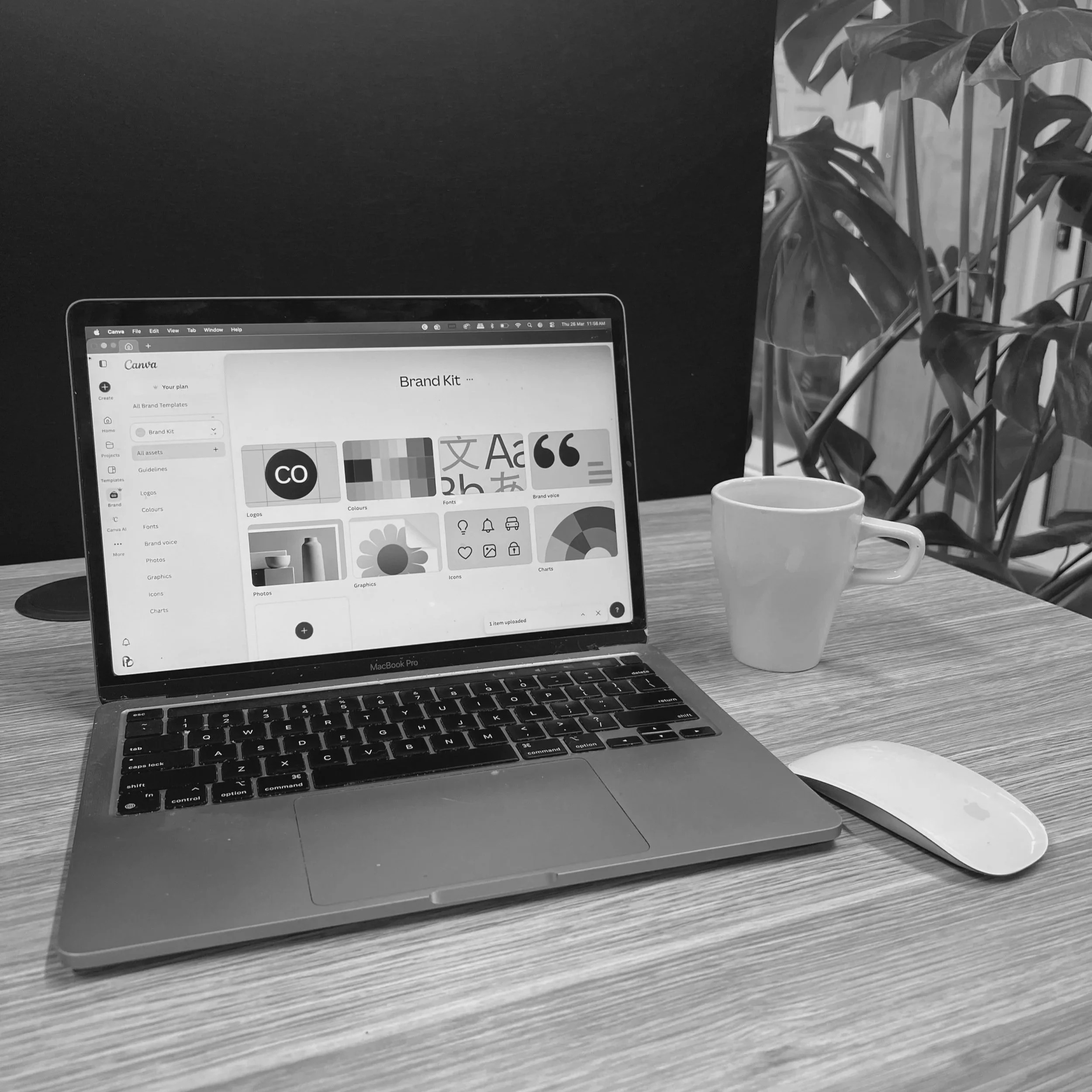
Working efficiently in Canva
Templates vs custom design
File setup for digital and print
Avoiding common mistakes
-
Structuring pages clearly
Image selection and formatting
Content layout and flow
SEO basics and best practice
-
Presentations and internal documents
Campaign and promotional assets
Print-ready design setup
Who This Is For
Small Business Owners
If you’re managing your own design and want to improve the quality and consistency of what you’re creating.
Feel more confident in your design
Create more professional-looking content
Stop second-guessing everything
Teams & Juniors
If design tasks fall to team members that need a bit of extra help, but there’s no time or resource for proper training.
Support junior designers or admin staff
Improve consistency across outputs
Build skills without slowing down
How It Works
Define your focus
We start by identifying what’s most useful for you or your team—based on your business, tools, and current challenges.
Plan the session
We map out what we’ll cover so the session is focused, relevant, and aligned to your goals.
Hands-on training
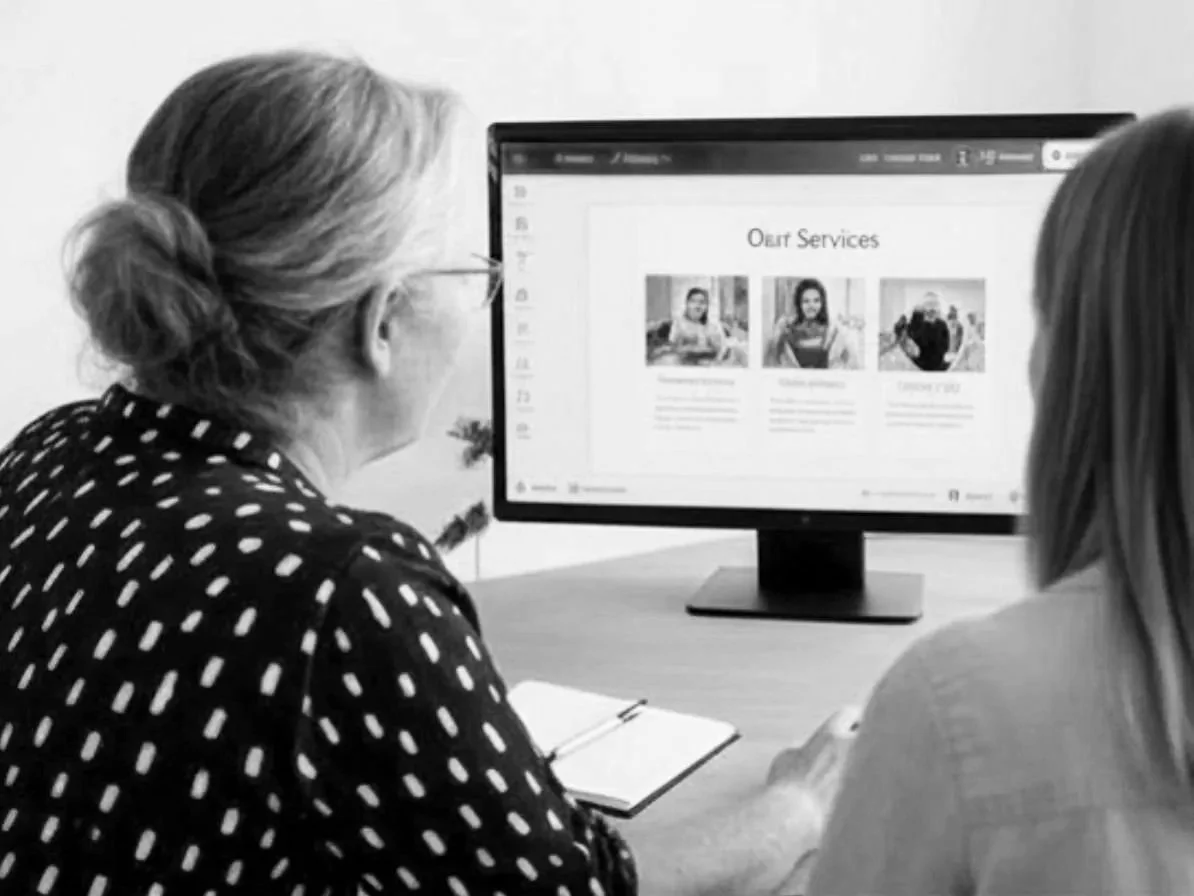
Practical, one-on-one (or small team) sessions using your real files, templates, and examples.
Apply with confidence
Walk away with work completed, clearer processes, and the confidence to apply what you’ve learned straight away.
Student & Emerging Designer Support
If you’re studying design or just starting out, it can be hard to connect what you’re learning with how things actually work in the real world.
These sessions are designed to help bridge that gap, giving you practical insight, guidance, and confidence as you build your skills.
Apply what you’re learning to real-world scenarios
Get guidance on tools, workflows, and best practice
Strengthen portfolio-ready work
Build confidence beyond templates and theory